Introduction to spaces#
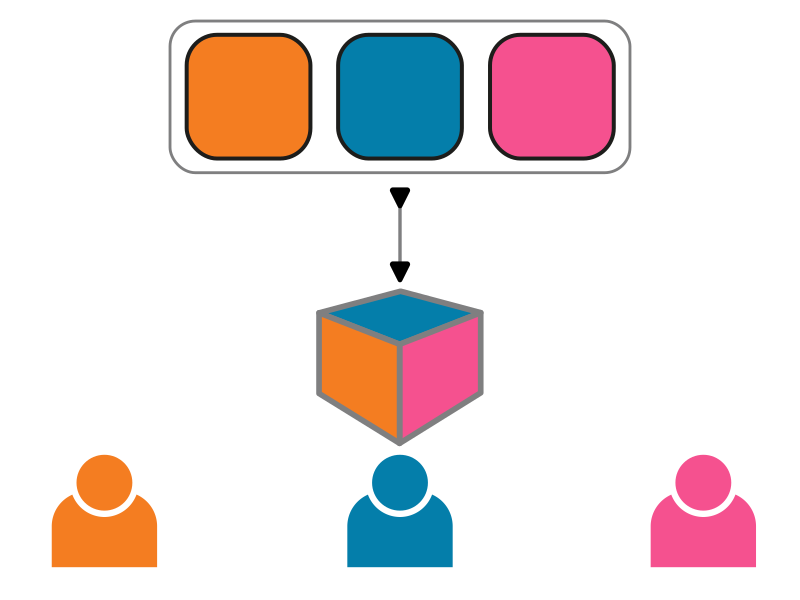
A single TeSS instance can present multiple tailored catalogues whose selections of training material are “views” on a global catalogue. Each community registers, maintains and curates their material for their members in their own virtual space in the common portal environment.
This new feature is possible thanks to the mTeSS-X project. Catalogues are pooled into a shared instance but look to their community as if they have their own catalogue with their own identity.
There are two types of spaces, depending on the configuration of the TeSS instance:
public space (default): its resources are visible to everybody viewing the space (and visible in the main catalogue with a filter). You do not have to be logged in.
private space: its resources are not visible outside the space (even with the filter in the main catalogue to see resources from other spaces). A private space requires the user to be associated with a relevant group. You have to be logged in.